
Voucher PDF or an automated system – what works better in a small business?
by Maria Szruba ·
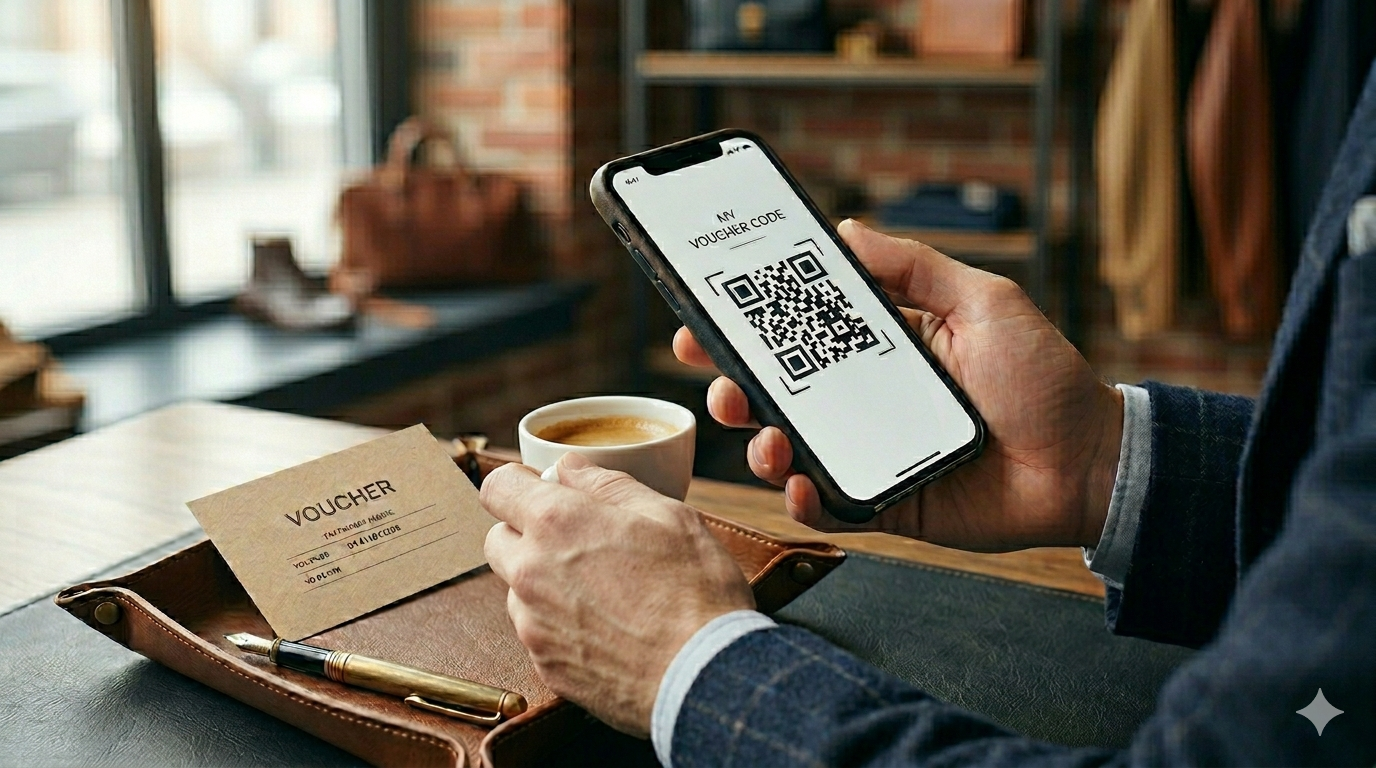
For a small business owner, every hour spent on “paperwork” is an hour not spent cutting hair, making coffee, or repairing cars. If you’re wondering how to sell vouchers, the answer is simple: PDF vouchers sent manually work at the beginning when you sell 2–3 per month. However, if you want vouchers to become a real source of cash flow, you need an automated system that sells, sends, and manages them for you – even at night and on Sundays.
Why are we even talking about this?
Most local businesses start the same way: a customer calls saying they want a gift, you ask for a bank transfer, wait for confirmation, fill out a template in Canva, save it as a PDF, and send it via email.
This solution has one advantage: it’s free. However, it also has three serious drawbacks that slow down your growth:
- It takes time: The “from phone call to delivery” process takes on average 15–20 minutes of your work.
- It blocks impulse purchases: People most often buy gifts “right now,” often in the evening. If they don’t receive a voucher within 2 minutes, they’ll go to a competitor who has an online store.
- It creates chaos in accounting: It’s hard to track which PDF has already been used and which hasn’t.
Comparison: PDF voucher vs automated system
The table below shows how both solutions perform in the daily operations of a salon or workshop.
| Feature | Manual PDF (e.g., from Canva) | Automated System (SaaS) |
|---|---|---|
| Processing time | From a few hours to 1 day | Instant (24/7) |
| Payment methods | Bank transfer / BLIK to phone | Fast online payments, cards, Apple/Google Pay |
| Voucher verification | Manual checking in a notebook/Excel | Scan QR code with a phone |
| Fixed costs | 0 PLN | Small subscription or commission |
| Risk of errors | High (duplicate numbers, missing dates) | Near zero (system assigns unique codes) |
When to stick with PDFs and when to switch to automation?
Choose manual PDF issuing if:
- You’re just starting your business and don’t know if your services work as gifts.
- You sell fewer than 5 vouchers per month.
- You have plenty of free time and enjoy personal email contact with each customer.
Invest in a system if:
- You want to sell vouchers through Facebook, Instagram, or your website.
- Peak seasons are coming (Mother’s Day, Valentine’s Day, Holidays).
- You’re tired of checking bank statements to confirm customer payments.
- You’ve ever forgotten to send a paid voucher.
What does it look like in practice? Customer perspective
Imagine a customer who remembers their wife’s birthday at 10:00 PM.
- Scenario A: They visit your website and see “call for voucher.” They give up because it’s too late.
- Scenario B: The customer clicks a link in your Instagram bio, chooses a service, pays online, and within 30 seconds receives a ready voucher with a QR code in their email.
An automated system is not a “tech gadget” – it’s your most efficient salesperson, who never goes to sleep.
How to implement automation without a computer science degree?
The biggest barrier for small businesses is fear of complex technology. Owners worry that setup will take weeks.
That’s why modern tools are built in an AI-first model. What does that mean for you? Instead of configuring dozens of parameters, systems like Retiva.io guide you through the process almost intuitively. If you can use a banking app, you can handle automated voucher sales.
Retiva.io is a solution for those who want a professional voucher store under their own brand but don’t have the budget to hire a developer. It combines ease of getting started with powerful automation: from payments, through digital voucher generation, to a code verification system at your desk.
FAQ – most common questions
1. Do I need a website to use the system?
No. You can simply paste a link to your voucher store in your Facebook, Instagram bio, or Google Maps listing.
2. How do I check if a voucher has already been used?
In an automated system, each voucher has a unique QR code. When a customer arrives for the service, you scan the code with your phone or enter it in the panel – the system instantly shows whether it is valid.
3. Is it worth it at a small scale?
The cost of the system often pays for itself with just 2–3 additional vouchers you wouldn’t have sold manually (e.g., a customer wanted to buy a gift on a Sunday evening).
Checklist – make a decision
If you’re still unsure, answer these three questions:
- Do I spend more than an hour per month preparing vouchers?
- Have I ever received a call asking about a voucher while serving a customer?
- Do I want to increase sales without hiring another person?
If you answered YES even once, it’s time to replace manual PDFs with a system that works for your profit, while you focus on what you do best.